05. Create your AdWords Account
Creating Your AdWords Account
Before you start further exploring Google AdWords, you need to create an AdWords account. By default, Google will set you up with an account through AdWords Express, which has limited functionality. So make sure you are using the regular version of Google AdWords.
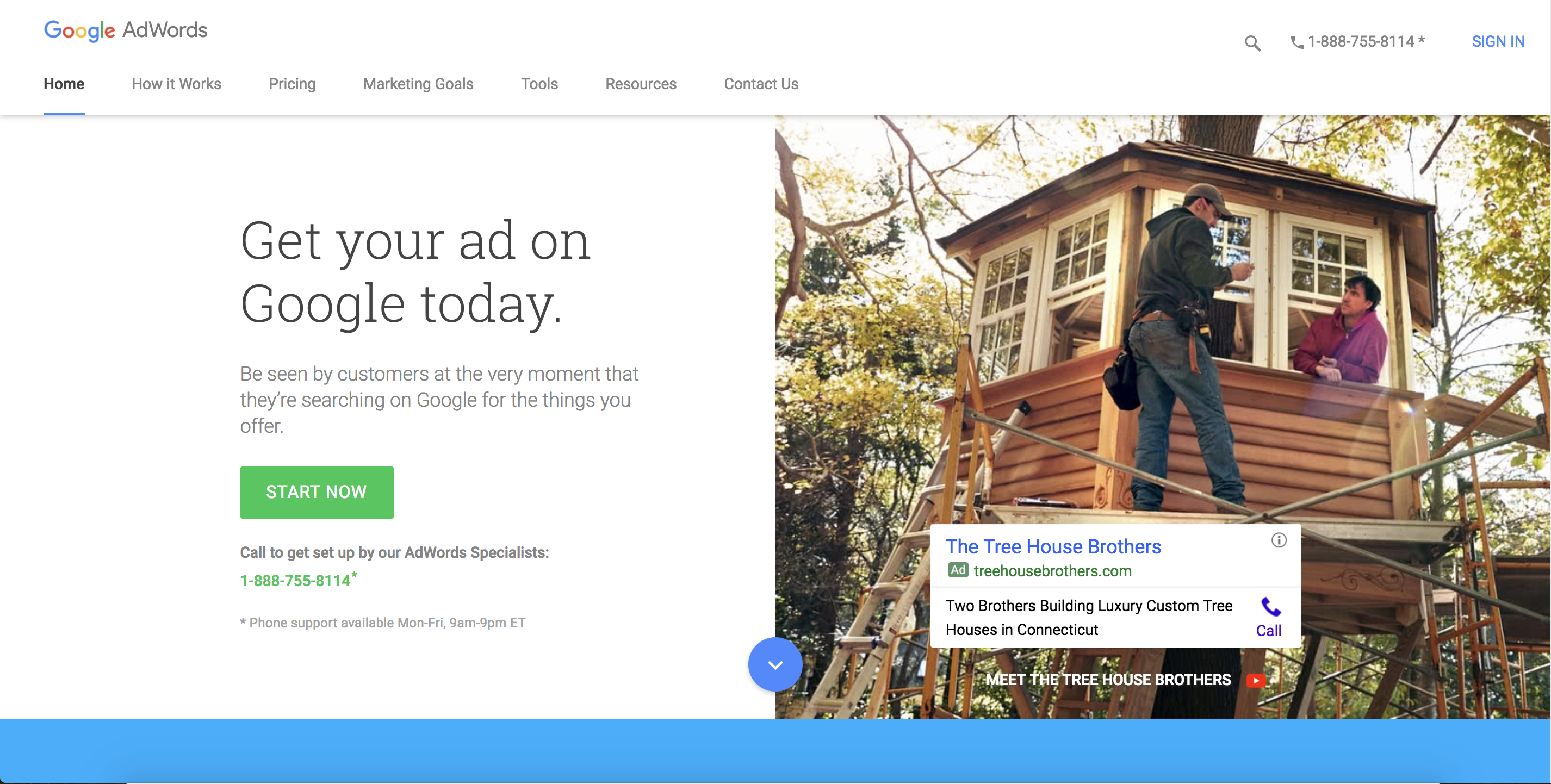
Go to adwords.google.com, click Sign In in the top right hand corner, and login with your Gmail account.
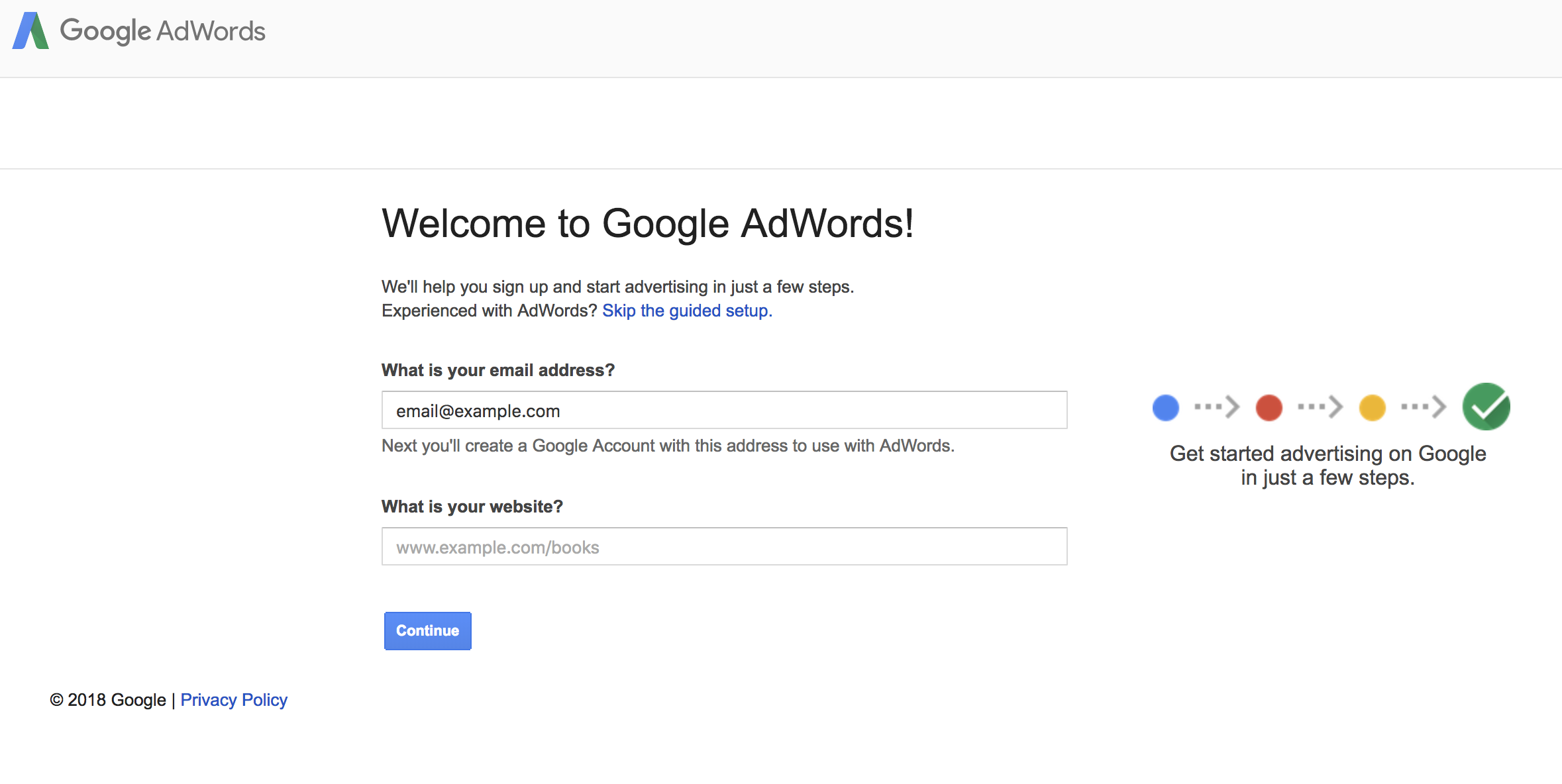
It is important that you do not enter your email or website here. Instead find the words "Skip the guided setup" in blue towards the top of the page. Click on that link. You should now see the following screen:
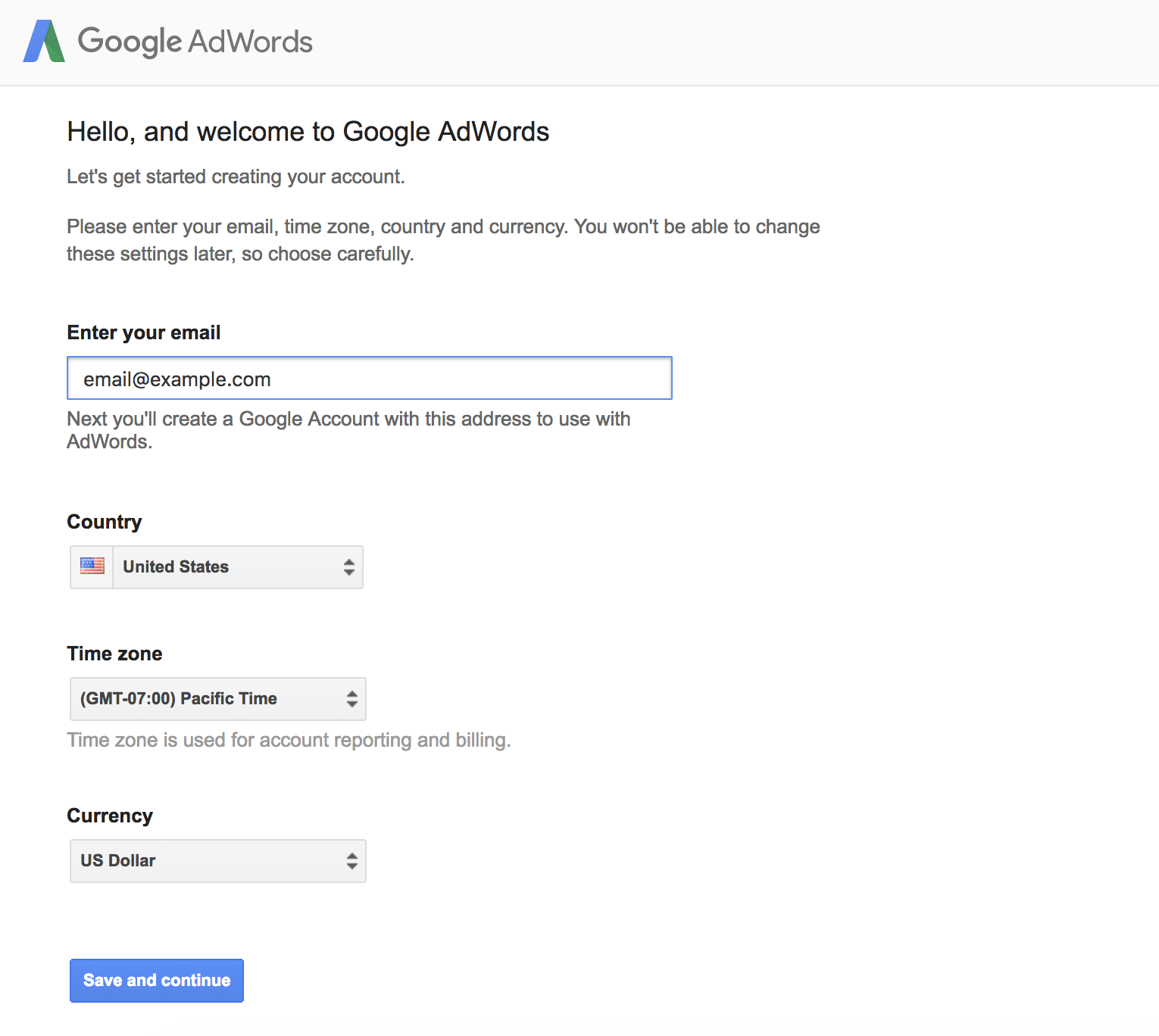
Enter your email address, and ensure that the Country, Time Zone, and Currency Information are accurate. Once you are done, click on Save and continue. You now should see the following screen:
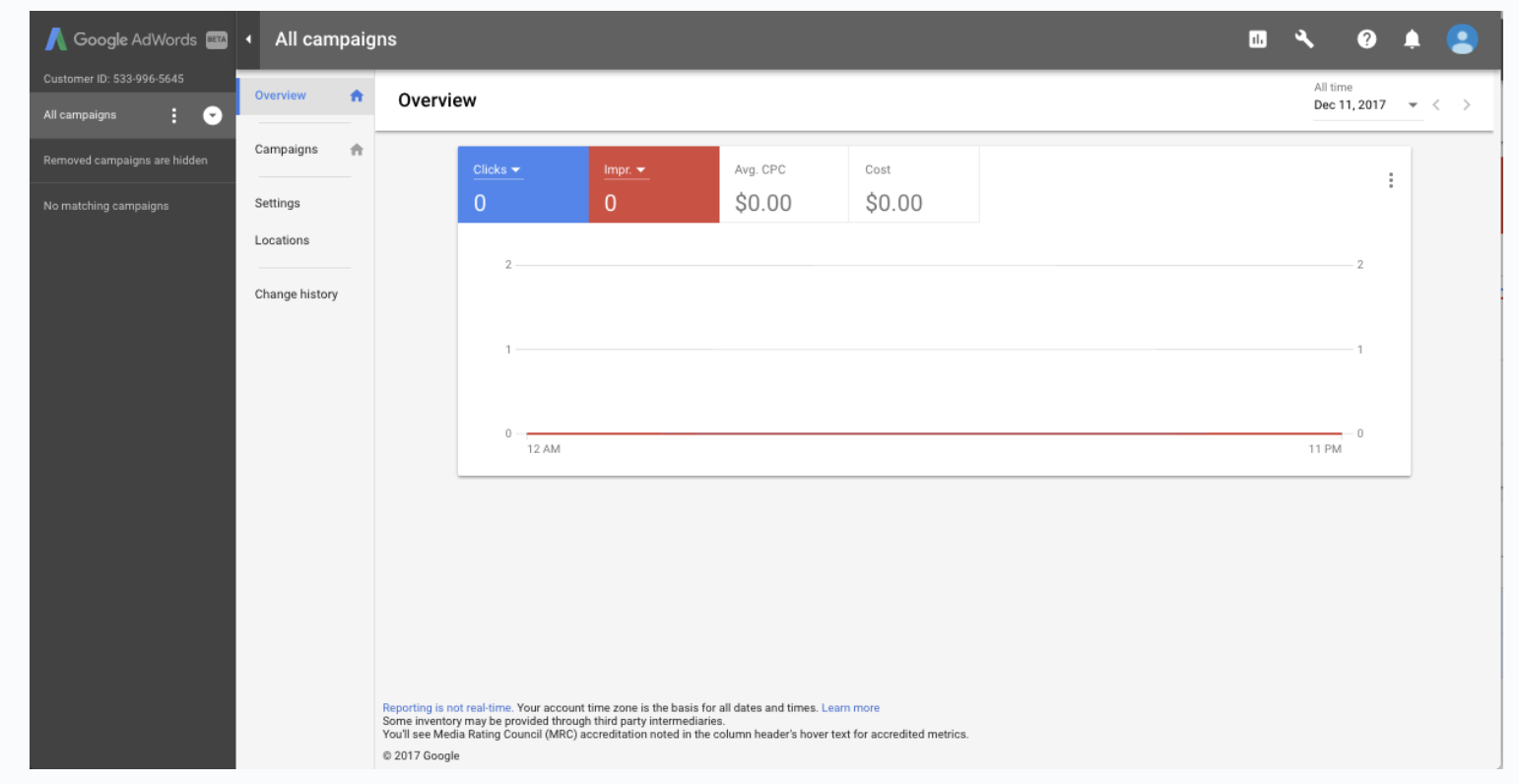
This is your new AdWords Account. We will give you a full orientation on what you will find in your account later.
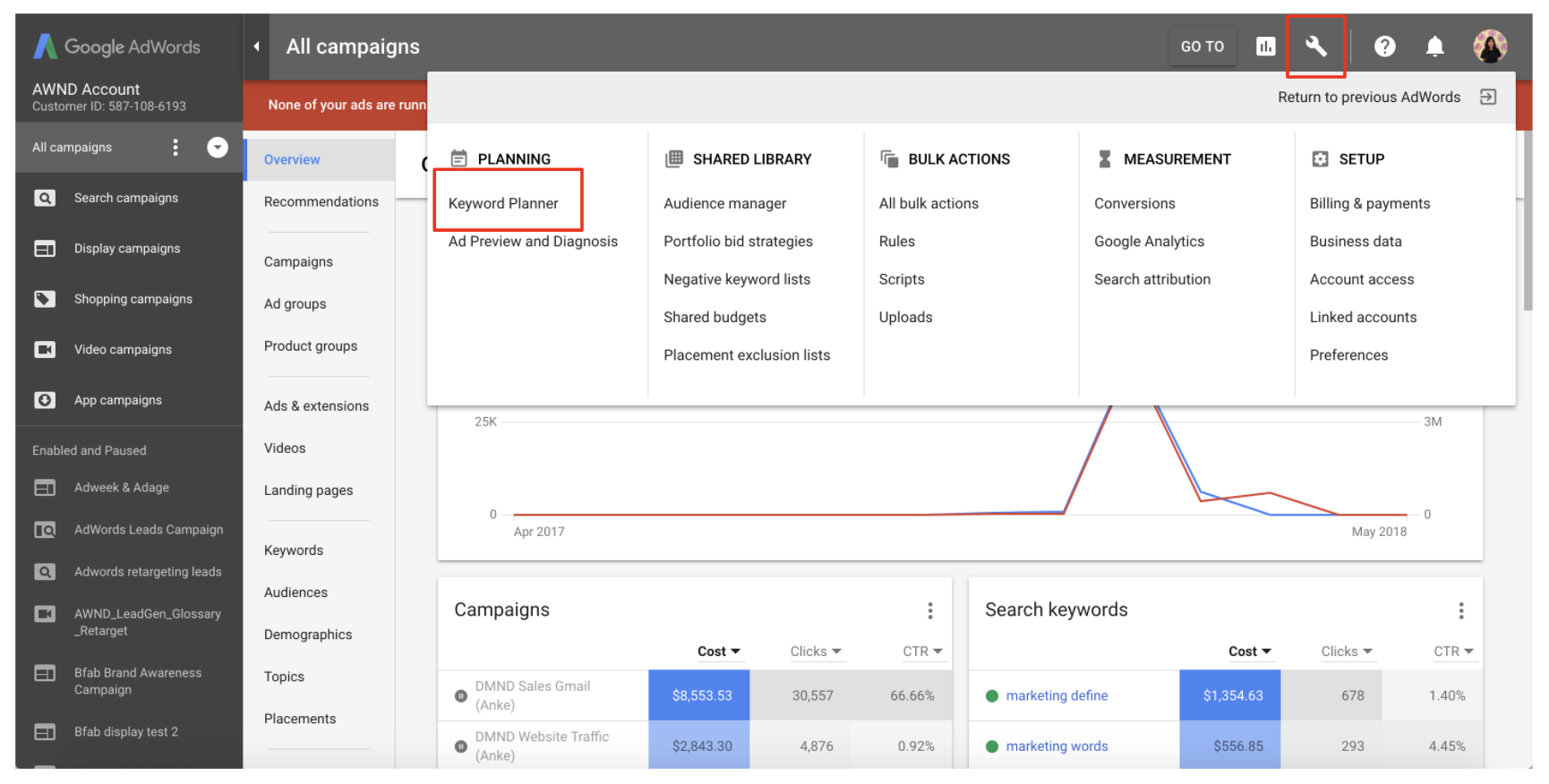
Now let us navigate to the Keyword Planner in Google AdWords to start building out your keyword list. Click into the Tool Icon in the top right corner in the Google AdWords homepage, then select Keyword Planner.